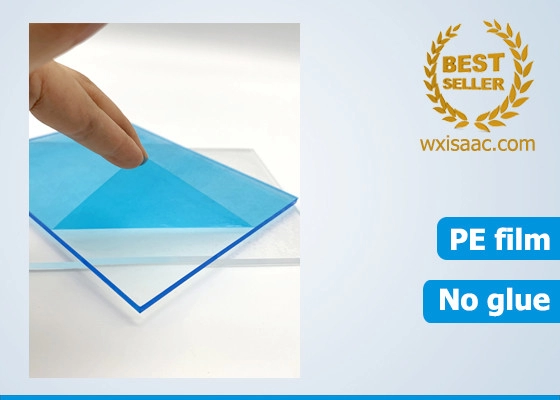
Hello everyone I finally pulled the trigger and received my Unit just yesterday and digging into the machine as good as I can, I’m sure I got tons to explore although is not complicated as I thought it would be, One thing though, I’m obsessed in avoiding scratching the screen and upon close inspection I can see few tiny signs on both the screen BUT also something that appear to me to be a protective screen right? I don’t want to think tha I received a scratched unit by mistake ..
Said that I’m already found out something that bugged me on my programming workflow. I understand that I can program a track with only 50% speed from the Global BPM using the ‘elasticity’ option and that is slightly odd to me as I tend to set track speed to 1/4 or 1/2 in order to leave Chords and Pads breath properly in other sequencers I have. I’m sure this has been covered up already and eventually I hope to see it in a future update.
On the track that you want to have in a different speed, zoom out and increase its length. If you want a faster track, zoom in and decrease its length. That will give you what you’re looking for without messing with elasticity.
 I finally pulled the trigger and received my Unit just yesterday and digging into the machine as good as I can, I’m sure I got tons to explore although is not complicated as I thought it would be, One thing though, I’m obsessed in avoiding scratching the screen and upon close inspection I can see few tiny signs on both the screen BUT also something that appear to me to be a protective screen right? I don’t want to think tha I received a scratched unit by mistake ..