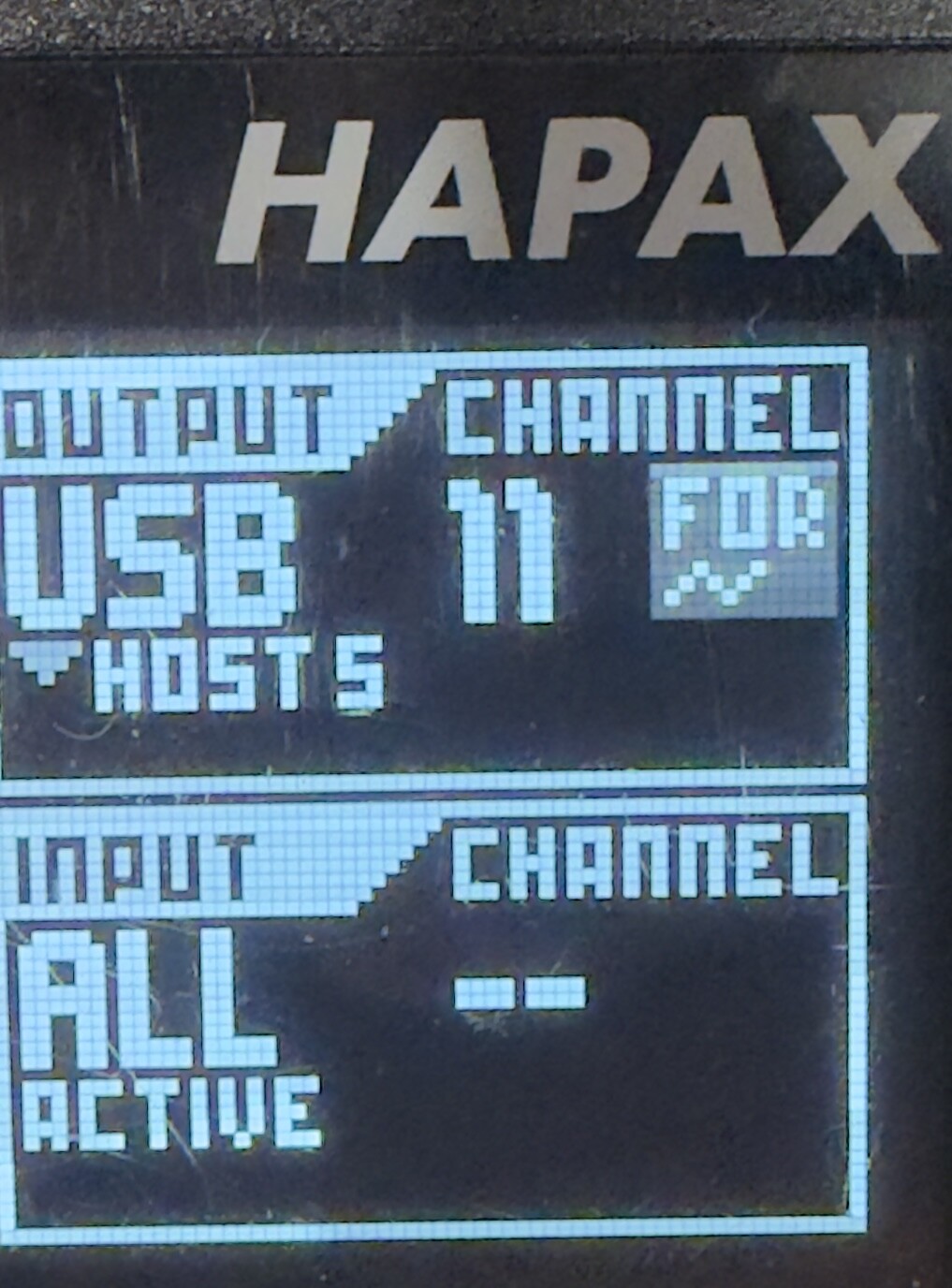
I’ve tried finding it in the manual and online, searched this group - nothing. I’m assuming ‘FOR’ is short for forward but looking for Hapax Channel Forward has got me nothing.
But I’m puzzled - when I see this little graphic, the track refuses to send MIDI out on the channel and port it says it’s sending out on? This is what is driving me nuts. How do I disable it and have the track just be a normal drum track again, where my master keyboard is echoed to the assigned port and channel?
what midi channel are your drum triggers set to? the symbol you see is always there if a track is set to drums, because thats where the automation data is sent to
Hapax Manual | Squarp instruments this should help. For drum machines you often need multiple channels, sometimes one for each drum element, that one channel you set for the track is only for automation if you use it or not doesnt matter its still meant for automation, in live mode you set the channels for each individual drum element
AHA - I finally figured out that an instrument definition I was loading for the TR8S was setting all the drum voices to a different channel. Along with my not understanding the routing, that was the source of the confusion.