Hello,
I just received my Hapax, I am so excited and I want a direct test with my tanzbar but saving time using instrument definition.
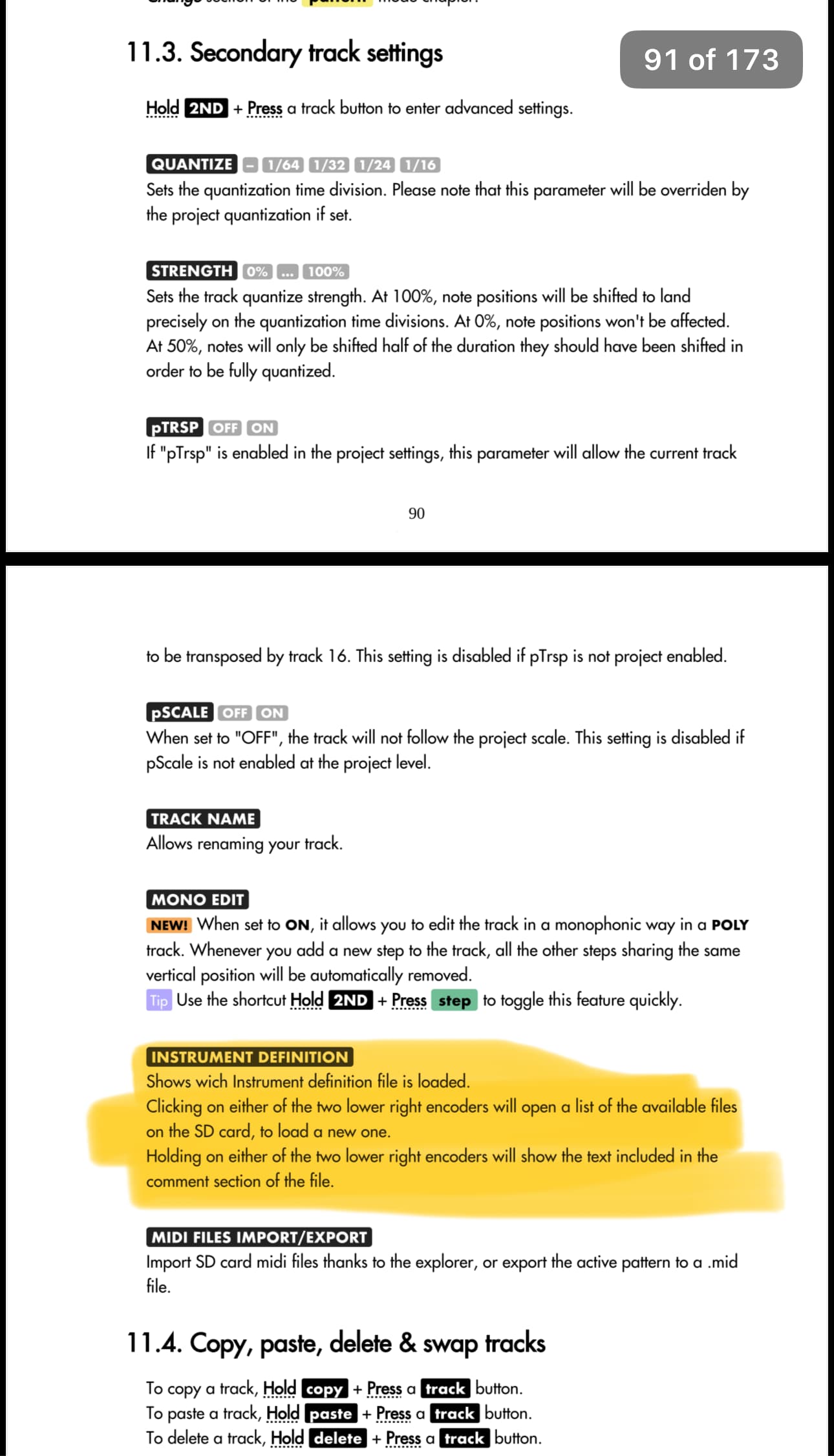
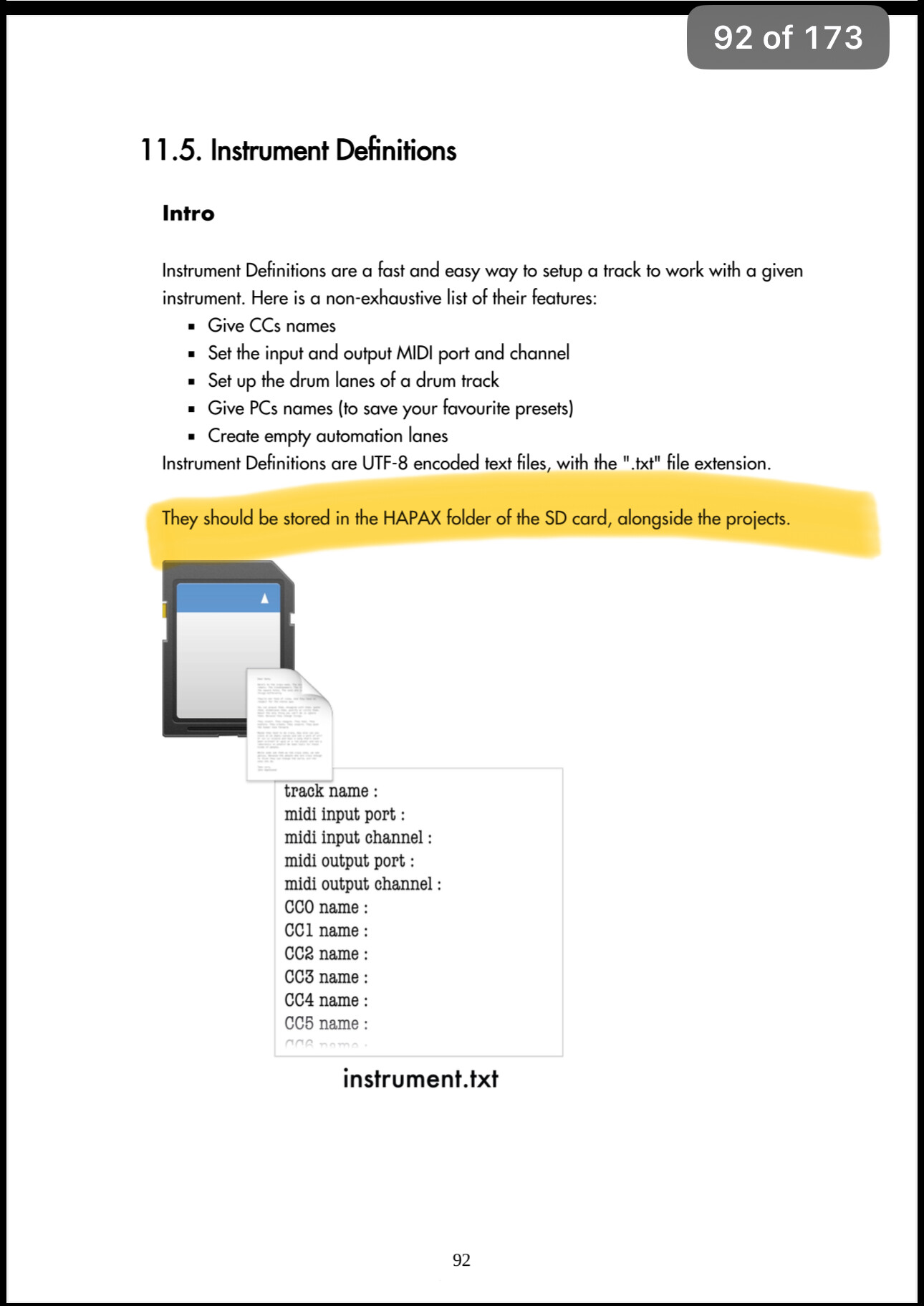
I placed the txt file at root of the SD, … but how do I use it ??? It’s written nowhere in the manual !!!
Thanks to tell me, I guess it must be simple I’m maybe to impatient to see something evident ???
Oh yes but I was searching in the same place where they talk about where to find them. They should put a line in this part saying “to use this fils see chapter …”
Ok but now I got .txt files containing that kind of datas at the root of the SD card but Hapax gives an error message like “no instrument definition found”
I did something wrong maybe ? There’s not folder for instrument definitions ?
did you validate it?
Validation Failed
version
✗ Missing VERSION. Make sure it’s not preceded by a ‘#’ (e.g., VERSION 1).
track Name
✗ Missing TRACKNAME declaration
outport
✗ Missing OUTPORT declaration
inport
✗ Missing INPORT declaration
out Channel
✗ Missing OUTCHAN declaration
inchan
✗ Missing INCHAN declaration
But his is a definition I copied from this forum. So not all are valid or I need to add this informations ?
If only I had this manual to read while taking a rest in my bed !