Squarp said this is on their feature list, but couldn’t offer any timeframe, sadly.
Now that I have begun to incorporate the Hapax into my studio, I can see I really do need a midi router to be able to change where the Hapax sequences are going, without being limited to four devices or pulling midi cables manually (through midi–no eurorack here) and to be able to more easily identify where each of the tracks on the Hapax are going. I ended up ordering an MRCC from Perfect Circuit (they are back in stock there and offer free shipping). Fingers crossed that it will suit me better than my current midi router (see above).
Hello, I am basically going through the exact same decision-making process as you. Been using an M8U-EX for a few years… works OK but not ideal. Hybrid setup with awesome DAW integration but would like to rely less on DAW and do more straight from HAPAX… so will need to re-calibrate my entire MIDI setup (lots of MIDI devices and modular). I am heavily leaning towards getting the MRCC and just keeping the M8U as standalone splitter/router.
That said, how has the MRCC been working out for you? Specifically regarding the flexibility of using with or without DAW, depending on the mood as you mentioned. Thanks.
I love using the MRCC with the Hapax in a DAWless setup–easy peasy, and no hindrances, even using several controllers going in with multiple devices on the receiving end. On the other hand, I have basically given up using it with my DAW (Logic). Getting logic to see it is fine (although it only sees the ports, and I haven’t given the time needed to name the ports for the devices specifically). The UI implementation for the USB ports on the MRCC is not at all intuitive, and I have found it flaky. I think others have had success using it with their DAW (go to the MRCC website’s forum).
Helpful thread - I’m considering incorporating a Hapax into my hardware-based studio
I run Studio One as my DAW and rely on it for all my MiDI sequencing but want to bring in the Squarp as an alternative sequencing option alongside the DAW
I use an ESI m8u ex as my MIDI hub connected via USB to the computer and then out to all my synths
I’m trying to wrap my head around incorporating the Hapax with the DAW using the m8u - is there a way to achieve this with my current set up or do I need to change to a MIDi router like an MRCC?
Any advice welcomed!
The easiest thing to do is hook up the hapax to your computer and use the DAW to route from hapax usb device channels to individual tracks and send along the midi as you normally would to your hardware.
I hadn’t thought of this - will give this option more thought, thanks!
Also routed similarly, Hapax controls everything and DAW can send as needed
Hello,
At the end, are you still using ESI M8UXL ? I do have the same, all synths in Midi din port, esi pluged in USB host of the Hapax…
Not working
Spend hours to figure out what s happening… no succes
any feedback on this ESI ?
best,
The M8U only supports three fixed stand-alone modes, as documented here:
If you want to switch between DAW and Hapax you’re only in luck if one of these fit your setup. Back when I owned an M8U EX for about a week I even asked their support if further modes could be implemented. They answered quickly and were nice about it, but the answer was a firm no.
thanks for these informations
so the ESI won’t be my dreamy 8 midi ports Out to add at my Hapax…
Is any Midi 8 or more Out machine working on the Hapax with USB port ?
Is Conductive Labs MRCC working on ?
The MioXM/XL definitely work. The Retrokits RK-006 should work (on the device port) - it’s super small and can do lots of things but you need TRS-Midi adapters. The Micro-USB port is a little fragile (as are all Micro-USB ports) and I managed to break mine after a few months. The MRCC should work as well.
i use a magnetic tip cable so if it gets torqued side way, it just disconnects without causing damage. i do this for all of my gear that has similar connections like usbc, lightning, micro usb etc. i havent bought a regular cable in 5 years. my phone connector is also fresh and tight since it never sees constant wear. also keeps my ports free of lint and hard candy / bubble gum lol! just kidding i dont eat that stuff
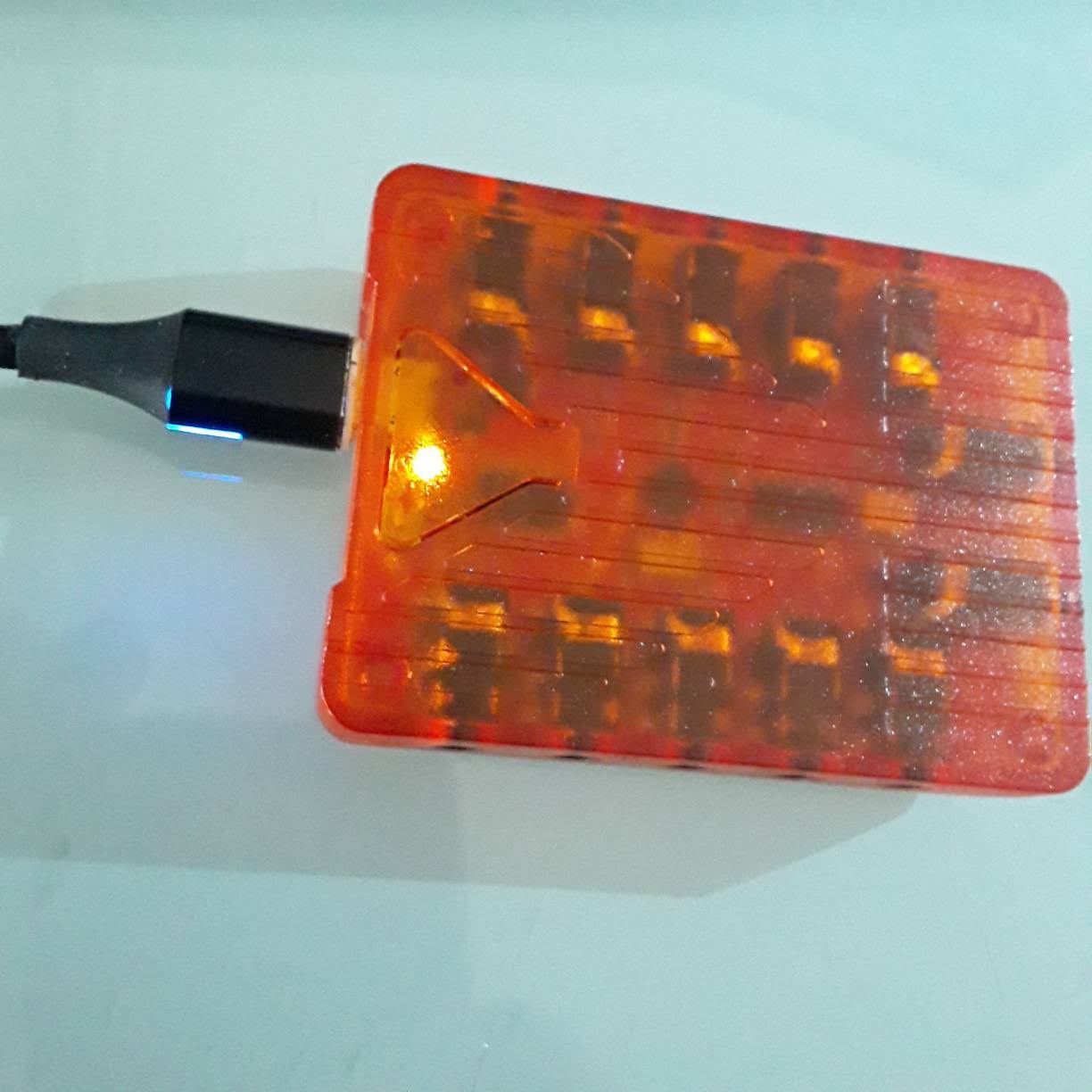
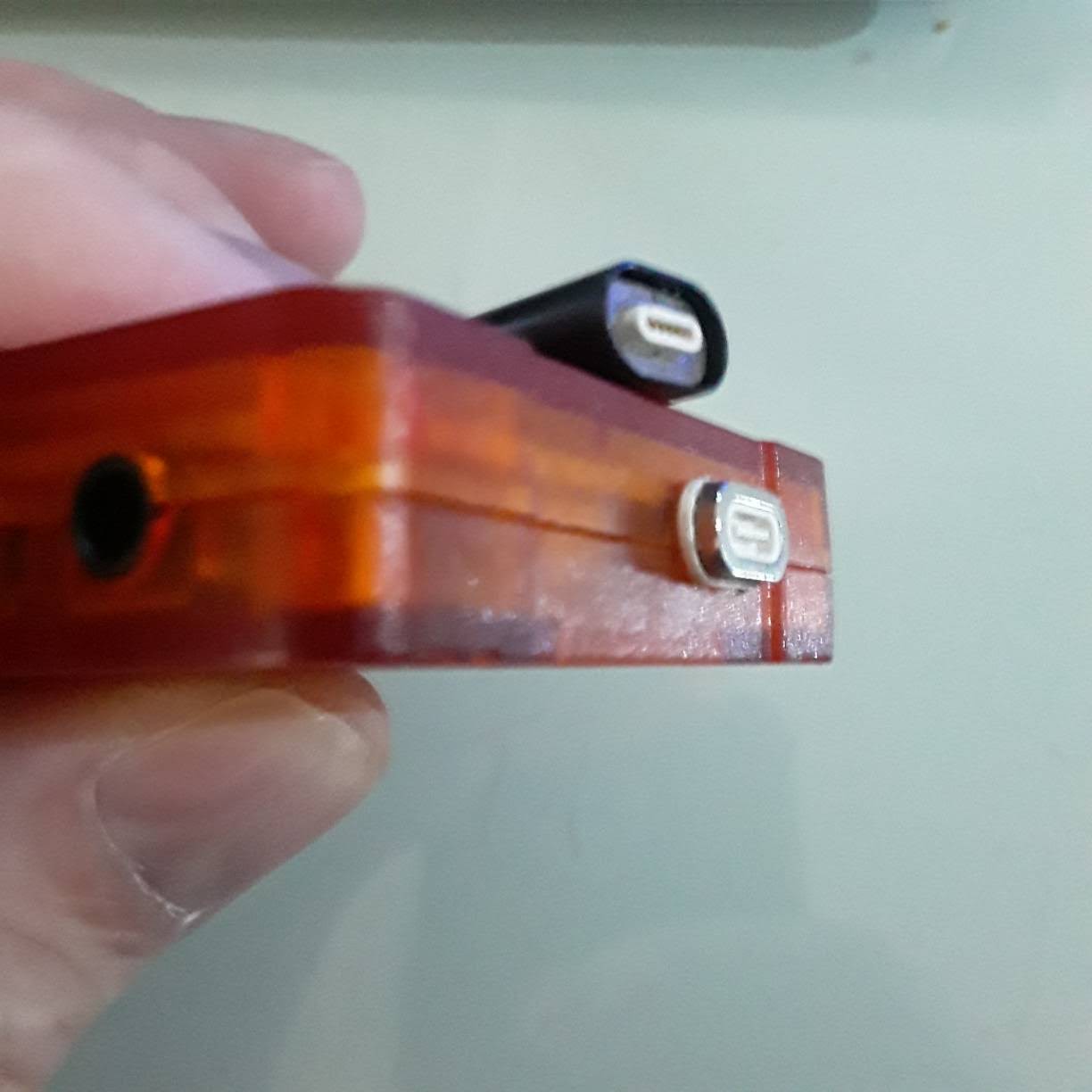
Damn. First time I’m seeing this. That looks like a great solution. Is it power only? Or can it be used for configuration as well? A quick search only showed charging cables.
(sorry about the OT)
any cables i have bought have been fully data and power but the listing will specify
https://www.amazon.com/magnetic-data-cable/s?k=magnetic+data+cable